
Name-Based Case Searches
For a name search, begin at Minnesota Court Records Online Case Search, known as MCRO. Copy the spelling straight off a court notice. Names and aliases overlap in Big Stone County and everywhere else. So an exact start saves work. Also remember what a hit is not: a result is not the final outcome of the case.
- Open MCRO Case Search and accept the application terms before entering search information.
- Enter the known last name and first name, then select Big Stone among the specific county court locations.
- Use a filing-date range, a category, or the current status selector only when it helps identify the right Big Stone County case.
- Open Case Details for a likely match and read the Register of Actions rather than relying on the result row alone.
| MCRO field | Type | Required | Big Stone search use |
|---|---|---|---|
| Last, first, middle name | Text | Name mode | Start with the spelling on the court paper. |
| Sounds Like | Option | No | It broadens a name search but cannot be combined with a wildcard. |
| Date of birth or filed date | Date or range | No | Use only as a narrowing field; do not publish personal dates. |
| Category and status | Selectors | No | Civil, Criminal, Family, and Probate or Mental Health can reduce unrelated results. |
| Specific county location | County selector | No | Select Big Stone when the county is known. |
Note: A case category identifies an administrative grouping, not a decision, conviction, or judgment.
Big Stone Docket Search Filters
Set the location filter to Big Stone County. MCRO runs on one statewide layer for all Minnesota District Court records. So the county choice simply narrows the field. That single step clears out same-name cases from the rest of Minnesota. If you truly do not know the county, run it statewide instead. Case categories cover Civil, Criminal, Family, and Probate or Mental Health. The date fields shrink long result lists. A name match still is not a conclusion, whatever the filters say.
- Exact search
- Uses the name entered in MCRO and is the best first pass when the spelling is known.
- Trailing wildcard
- May be used after at least two characters to broaden a name when its ending is uncertain.
- Sounds Like
- Broadens matches based on similarity rules; it cannot be used with a wildcard.
Status choices come from the live application and can shift over time. Trust the selector on screen rather than any saved list. When results stay too broad, change one field at a time.
Case Number Searches
Nothing beats a number. A Big Stone County court file number is the most precise way to find a case in MCRO. So type it exactly as it appears on a notice, order, or complaint. The application also has a Citation Number mode for filed traffic matters. A number skips the problem of identical names. Because of that, it can surface a pending criminal, traffic, or petty-misdemeanor case that a name search misses. Keep the number from the court paper intact. A court file number identifies the case, while a citation number comes off a traffic ticket. Never guess a format from another county. Case Details shows the caption, the filing date, and the Register of Actions. Note: Use the number printed on a court document. Do not guess or copy one from a different case.
Big Stone Name Search Choices
Exact name and Sounds Like are two separate paths in MCRO. They are not filters you can stack. A trailing wildcard is allowed only after two characters. Sounds Like itself carries first-letter and similarity limits. Pairing a wildcard with Sounds Like is not permitted. The practical order: exact name plus Big Stone County first. Then broaden the name search carefully, but only if the first pass finds nothing. A blank result proves very little. The case may exist under a different spelling. It may sit behind a name-search restriction, need its case number, or lack remote availability. It could even belong to the wrong court location entirely. That is why the Register of Actions, a courthouse terminal, and local court administration still matter for Big Stone County records.
Search tip: Compare the case caption, court location, and filed date before treating two similar names as the same Big Stone case.
Case Search Results Explained
Clicking a result opens case details. These can hold a Register of Actions, hearing information, and links to public documents. The Register of Actions is the running record of a case's title, origin, filings, and proceedings, which makes it different from a weekly calendar that only schedules hearings. MCRO results are unofficial and not certified. For certified records and official confirmation, turn to Big Stone County court administration.
| Case Details | Identifies the case and provides the path to its available public information. |
|---|---|
| Register of Actions | Chronological case activity, proceedings, and filing entries. |
| Documents | Individual public filings or orders online for the case type, filing date, and access level. |
| Hearing data | Scheduled-event information, which can change and is not the complete history. |
| Judgment details | Information for docketed money judgments and satisfactions, where applicable. |
Read the event entries themselves. A case type, charge label, or hearing name alone does not tell you the final outcome of a Big Stone County case.
Big Stone Docket Search by Filing Date
Case Search in MCRO takes an exact filed date or a filed-date range. That window helps when you lack a case number. It also helps when you know roughly when a Big Stone filing landed. Type dates in the displayed MM/DD/YYYY format. Keep the Big Stone location filter on. Then read the Register of Actions it returns. That step separates real filings from later proceedings.
Big Stone MCRO Search Tabs
The MCRO overview lays out four related search tabs. They are Case, Document, Hearing, and Judgment. Case Search works as the broad locator for a Big Stone County docket search. Document Search digs deeper. Give it a case number. It pulls up any public online documents tied to that court file. Hearing Search is the most flexible of the four. It accepts a name, case number, judicial officer, attorney, hearing date, category, and location. Judgment Search covers docketed money judgments and their details, not the full civil docket.
The official MCRO Document Search screen shows the case-number field. It also shows the Find Documents control you use once you have a Big Stone County case number in hand.
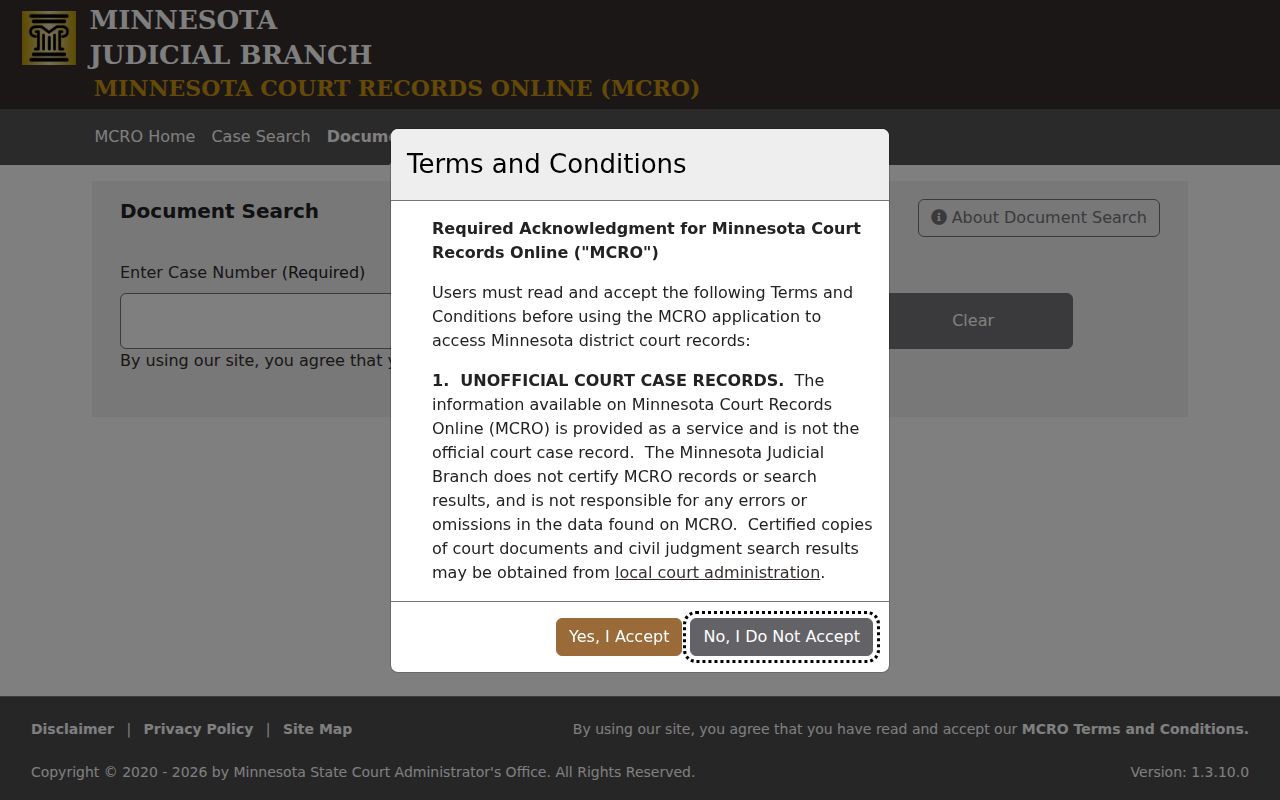
That screen is a document-access step. It makes no promise here. Not every filing in a Big Stone court file can be downloaded from home. Public status, case type, filing date, and Rule 8 restrictions decide what actually appears. Note: Document Search works from a case number, and downloaded public documents are not certified.
Two Ways to Search: County and State
MCRO offers statewide court locations and a specific-county selector. The two do not point at separate Big Stone databases. They just resize the same Minnesota search. Does a notice, hearing information, or local contact point to Big Stone? Then choose the county option. Go statewide only when the court location is a genuine mystery. Let the returned location tell you which court administration office keeps the official record.
| Search scope | What it searches | Best use |
|---|---|---|
| Big Stone selected | MCRO results limited by the local court location filter | A known Big Stone County case or a common name. |
| Statewide location | MCRO results across available Minnesota court locations | Finding the court when the county is not known. |
| Courthouse terminal | Broader in-person public-access categories | A public record that is not available through remote MCRO. |
Big Stone Citation Docket Searches
Got a traffic ticket in Big Stone County? Once the citation is filed with the court, MCRO's Citation Number mode takes you straight to the case. Keep the paper copy handy. Its number is the key that matches you to the right court docket entry. The payment side and the lookup side are separate tools. Minnesota's court payment system can resolve an eligible payable citation. MCRO shows the Big Stone County court case and its docket details, so a payment page alone won't answer a docket question.
New citations don't appear instantly. Filing takes time. A search that comes up empty may just mean the paperwork hasn't been entered yet. Wait out the processing period. Double-check the notice, and call Big Stone court administration with any question about a filing or hearing. One caution: a county payment form is no substitute for MCRO or the Minnesota Court Payment Center.
Big Stone Docket Search Name Matches
A name search is only a first step. MCRO itself offers a caution. Two people can share a name, and aliases show up in results. Before trusting a match, compare the court location, the caption, the filing date, the case number, and the Register of Actions against what you know about the Big Stone case. If anything looks off, tighten the search or use the court file number instead. A shared name proves nothing on its own.
Which Cases Stay Restricted
Minnesota Rule of Public Access 8 sets the rules for inspecting records, getting copies, using courthouse terminals, and reaching records remotely. Just because something is public doesn't mean it's online. Some files can be read at the courthouse but stay off MCRO. Remote limits can apply to domestic-abuse OFP and harassment HRO case types, CHIPS matters, certain juvenile matters, public documents in civil-commitment cases, party street addresses, comment fields, and public evidence.
Name searches have a second blind spot. Pending criminal, traffic, and petty-misdemeanor cases without a conviction may not come back when you search by defendant name. The case number still works, though. Sealed or confidential records take more than an ordinary public request. The Judicial Branch confidential-information forms cover this. They include CON100 instructions and CON101 for asking access to confidential or sealed records. Court staff can point you to the right route. They just can't give legal advice.
Big Stone Docket Search Fallbacks
When the online Big Stone search leaves you stuck, pick the channel that fits the problem. A case number you already have can go into Case Search, Document Search, or Hearing Search. The courthouse public terminal opens more public material than remote MCRO does. For confirming a setting, the Big Stone calendar and a hearing notice both help. But neither one replaces the Register of Actions. Any question about a Big Stone County record, the calendar, or a certified copy goes to the Big Stone County District Court Administrator. Call (320) 849-7005.
Big Stone County District Court
20 S.E. Second Street
Ortonville, MN 56278
(320) 849-7005
Note: The court's public calendar can leave off confidential or non-remotely accessible matters. So a missing listing is never proof a hearing was canceled.
Big Stone Docket Records Compared
Remote MCRO access is the easy route, but it isn't the official record. It also can't issue certified copies. Big Stone County court administration holds the official local file and can route requests for plain, certified, or exemplified copies. The courthouse public terminal sits in between: it exposes broader public material than your home computer, yet it remains just an access point, not a certification service. Once you locate a file, the usual next step is requesting the specific record you need.
| Channel | What it does | What it does not do |
|---|---|---|
| MCRO | Finds eligible public case, hearing, document, and judgment information. | Does not certify its results. |
| Courthouse terminal | Provides in-person access to broader public categories. | Does not make restricted material public. |
| Court administration | Maintains the official court record and provides certifications. | Cannot provide legal advice. |
Need copies from the clerk? The Big Stone court case records page lays out each request channel, the document types you can order, and the current copy fees.